Think about everything you copied to your clipboard today. A password from your password manager. A credit card number for an online checkout. A home address you sent to a friend. A private message you moved between apps. A snippet of proprietary code from your company repository. Your clipboard is a silent witness to your most sensitive digital moments, and most people never give it a second thought.
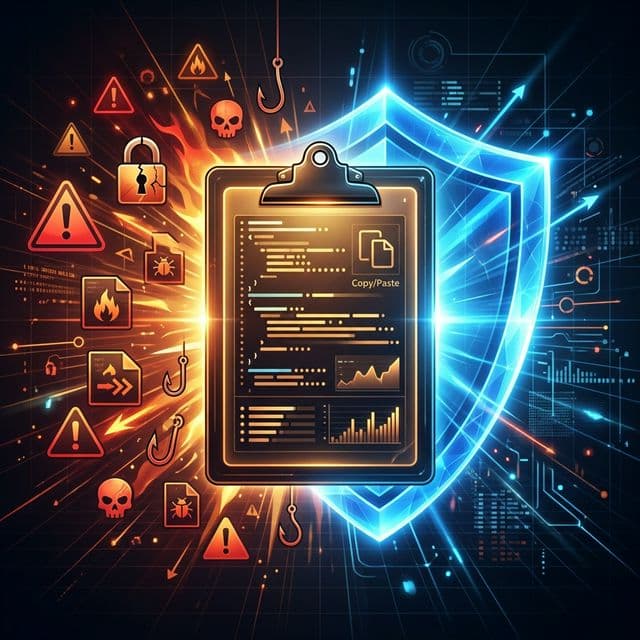
Yet clipboard data is shockingly vulnerable. It sits in memory as plain text, accessible to any application running on your device. In 2020, Apple's iOS 14 beta revealed that over 53 popular apps, including TikTok, news outlets like Fox News and CBS News, and shopping apps like AliExpress, were silently reading clipboard contents every few seconds without user knowledge or consent. The data being harvested could include anything users had recently copied: passwords, bank details, personal messages, and more.
The question is not whether your clipboard contains sensitive data. It does. The real question is: who else has access to it?
The Hidden Sensitivity of Clipboard Data
When you press Cmd+C or Ctrl+C, the copied content is stored in a temporary memory buffer. On most operating systems, this buffer is unencrypted and accessible to every application with standard permissions. There is no authentication gate, no permission prompt, and no audit log. Any running app can read what you copied at any time.
This might seem like a minor concern until you consider what actually passes through the clipboard in a typical workday. Password managers use the clipboard to transfer credentials. Developers copy API keys and tokens. Finance professionals move account numbers between systems. Healthcare workers transfer patient identifiers. Lawyers copy confidential case details. In every scenario, the clipboard becomes a conduit for data that would be classified as sensitive under virtually any privacy framework.
In a single day, your clipboard may handle passwords, credit card numbers, home addresses, private messages, authentication tokens, medical information, and confidential business data. Unlike files on disk, clipboard contents are almost never encrypted and are readable by any process on your system.
Research from Packet Labs highlights that clipboard hijacking attacks can not only read your copied data but actively modify it. Cryptocurrency users have lost funds when malware silently replaced a copied wallet address with the attacker's address. According to MITRE ATT&CK, clipboard data collection is a recognized adversary technique used in real-world attacks on both desktop and mobile platforms.
The Problem with Cloud Clipboard Syncing
Modern operating systems increasingly push clipboard data into the cloud. Windows Clipboard History can sync copied items across devices through Microsoft's servers. Apple's Universal Clipboard transfers data between nearby devices via iCloud. These features are convenient, but they fundamentally change the threat model of your clipboard.
When clipboard data leaves your local device and travels to a cloud server, several new risks emerge. First, the data is now in transit over a network, creating opportunities for interception. Second, it is stored on servers you do not control, subject to the provider's data handling policies, potential government requests, and the ever-present risk of data breaches. Third, it persists far longer than the momentary act of copying and pasting would suggest. That password you copied five minutes ago may sit on a cloud server for days or weeks.
- Data in transit exposure: Clipboard contents travel over networks to cloud servers, creating interception opportunities even with encryption.
- Server-side storage: Your copied data lives on infrastructure you cannot audit, managed by policies you did not write.
- Extended persistence: Cloud syncing turns ephemeral clipboard data into long-lived records, sometimes indefinitely.
- Multi-device attack surface: Syncing across devices means a breach on any single device can expose clipboard history from all of them.
- Third-party access: Cloud providers may process, analyze, or be compelled to share data stored on their servers.
The broader data privacy landscape reinforces these concerns. According to Secureframe's 2026 privacy report, 82% of internet users worldwide report being highly concerned about how their personal information is collected and used. Meanwhile, 73% of consumers say they are more concerned about data privacy now than they were just a few years ago. These are not abstract fears: 48% of consumers have stopped buying from a business specifically because of privacy concerns.
“Arguing that you don't care about the right to privacy because you have nothing to hide is no different than saying you don't care about free speech because you have nothing to say.
— Edward Snowden
The 2020 Clipboard Snooping Wake-Up Call
The scale of clipboard surveillance came into sharp focus in June 2020. Security researchers Talal Haj Bakry and Tommy Mysk had previously discovered that dozens of iOS apps were silently reading clipboard contents. But it was not until Apple released the iOS 14 beta, with a new notification banner that flagged clipboard access in real time, that the public understood the scope of the problem.
TikTok was the most prominent offender, reading clipboard contents every few keystrokes as users typed. The company initially attributed the behavior to an anti-spam feature and promised to stop. But iOS 14 caught TikTok still doing it months after the promise. The full list of apps caught snooping included major names: LinkedIn, Reddit, Google News, and news outlets from ABC to Al Jazeera. It was not a fringe problem. It was industry-wide.
What made this particularly alarming was the cross-device implication. Apple's Universal Clipboard shares copied content between nearby devices on the same Apple ID. If you copied a password on your Mac, an app on your nearby iPhone could read it without any interaction on your part. The clipboard, once a simple local utility, had become a covert data channel.
Local-First Architecture: A Privacy Foundation
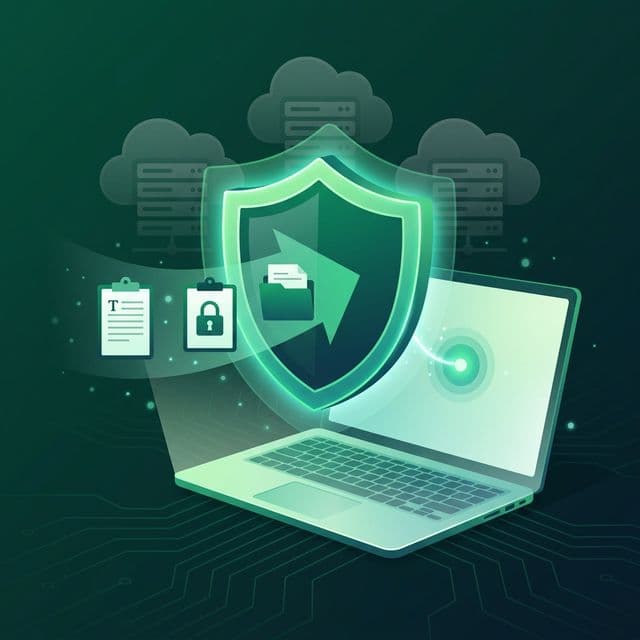
The concept of local-first software, formalized in a landmark paper by Ink & Switch, offers a fundamentally different approach to data ownership. In local-first software, your data lives on your device. It is not uploaded to cloud servers as a prerequisite for the application to function. The network is optional, not required. You own your data, not in a terms-of-service sense, but in a physical, tangible sense: it exists on hardware you control.
For a clipboard manager, local-first architecture is not just a philosophical preference. It is a security imperative. Consider the threat model: clipboard data is inherently sensitive, ephemeral by nature, and high-volume. It is the worst possible candidate for cloud storage and the best possible candidate for local-only storage.
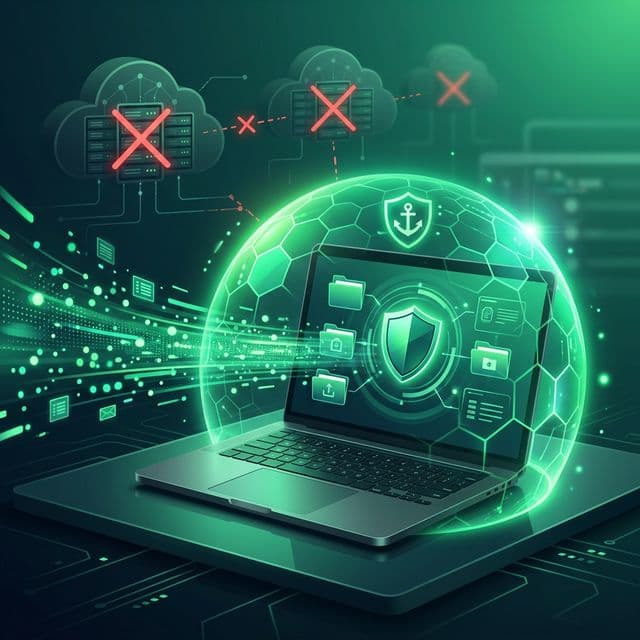
- Zero network exposure: Data that never leaves your device cannot be intercepted in transit.
- No server-side breach risk: There is no centralized database of clipboard history for attackers to target.
- No third-party access: No cloud provider can be compelled to hand over data that does not exist on their servers.
- Full user control: You decide how long data is retained, what is stored, and when it is deleted.
- Offline functionality: The app works identically whether you are connected to the internet or not.
Cloud vs Local Clipboard Managers: A Direct Comparison
Understanding the practical differences between cloud-based and local clipboard managers helps clarify what is at stake. Here is how the two approaches compare across critical dimensions:
Data Storage and Ownership
Cloud clipboard managers store your history on remote servers. This means you are trusting a third party with everything you have ever copied: passwords, personal messages, financial data, and more. If the service is breached, acquired, or shut down, your data goes with it. Local clipboard managers store everything in a database on your own machine. The data never touches an external server. You can back it up, inspect it, or delete it at any time.
Privacy Guarantees
With cloud-based solutions, privacy depends on the provider's policies, their encryption implementation, and their resistance to data requests. These are promises, not guarantees. A local-first clipboard manager provides privacy through architecture: there is no server to subpoena, no API to breach, and no employee who could access your data. The guarantee is structural, not contractual.
Regulatory Compliance
With 144 countries now having enacted national data privacy laws and the number of U.S. states with comprehensive privacy legislation nearly doubling from 9 in 2024 to 19 in 2026, organizations face increasing obligations around personal data handling. Clipboard data that includes personal information falls under regulations like GDPR, which defines personal data broadly as any information relating to an identifiable person. A local clipboard manager simplifies compliance: data that never leaves the device and is never transmitted to third parties presents a fundamentally lower regulatory risk.
Review whether your clipboard manager sends data to external servers. Check the app's network activity, read its privacy policy, and look for features like 'cloud sync' or 'cross-device clipboard.' If the app requires an account to function, your data is almost certainly stored on their servers.
How Recopy Keeps Your Clipboard Private
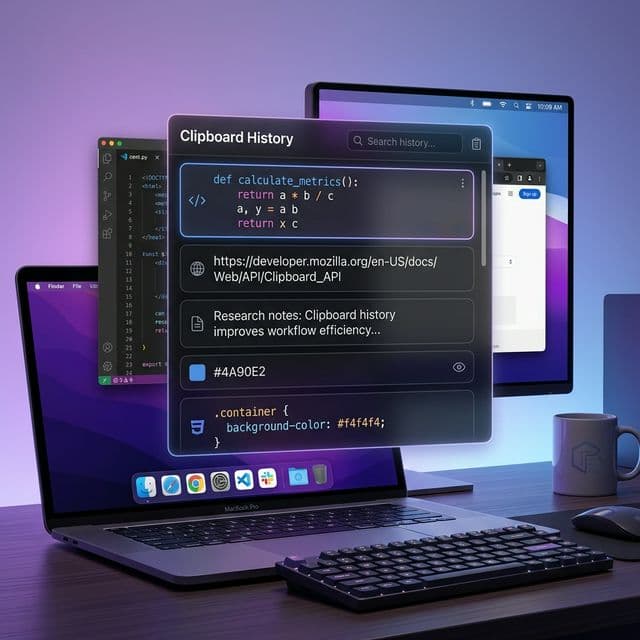
Recopy was built from the ground up as a privacy-first, local-only clipboard manager for macOS. Every architectural decision reflects a single principle: your clipboard data belongs to you and no one else.
All clipboard history is stored in a local SQLite database on your Mac, managed through Apple's SwiftData framework. There are no cloud servers, no user accounts, no analytics, and no telemetry. Recopy never makes a single network request. Your clipboard data stays on your device from the moment it is captured to the moment you choose to delete it.
- 100% local storage: All data lives in a SQLite database on your Mac, never transmitted anywhere.
- Zero cloud dependency: No accounts, no sync servers, no cloud infrastructure of any kind.
- No analytics or telemetry: Recopy collects no usage data, sends no crash reports, and contains no tracking code.
- User-controlled retention: Configure exactly how long clipboard history is retained, from days to forever, and delete any item instantly.
- Configurable content types: Choose which types of content are stored. Sensitive categories can be excluded entirely.
- SHA-256 deduplication: Content hashing is performed locally for deduplication, using cryptographic hashing that cannot be reversed to recover original data.
This approach means that even in a worst-case scenario, such as your Mac being physically compromised, an attacker would need direct access to your device to reach the clipboard database. There is no remote attack vector because there is no remote component. The attack surface is reduced to the physical security of your own hardware, which is something you already control.
Practical Steps to Protect Your Clipboard Data
Regardless of which clipboard manager you use, there are concrete steps you can take to reduce clipboard-related privacy risks:
- Audit your clipboard manager: Determine whether it stores data locally or in the cloud. If it requires an internet connection or user account, your data is likely leaving your device.
- Disable cloud clipboard syncing: On Windows, go to Settings > System > Clipboard and turn off 'Sync across devices.' On macOS, disable Handoff in System Settings if you do not need Universal Clipboard.
- Use a password manager with auto-fill: Instead of copying passwords to the clipboard, use your password manager's auto-fill feature, which bypasses the clipboard entirely.
- Set clipboard retention limits: Configure your clipboard manager to automatically purge old entries. There is rarely a reason to keep clipboard history beyond a few weeks.
- Review app permissions: On iOS 16+ and Android 13+, you receive notifications when apps access your clipboard. Pay attention to these and revoke access for apps that have no legitimate reason to read it.
- Clear sensitive items immediately: After pasting a password, credit card number, or other sensitive data, clear it from your clipboard history right away.
- Choose local-first tools: For any application that handles sensitive data, prefer tools that store data locally over those that require cloud connectivity.
Privacy Is an Architecture Decision
The privacy-enhancing technologies market is projected to reach over $12 billion by 2030, reflecting a growing recognition that privacy cannot be bolted on as an afterthought. It must be designed into the foundation of software. For clipboard managers, which by definition handle the most sensitive data that passes through your digital life, this principle is especially critical.
“The problem isn't data protection; the problem is data collection. Regulating the protection of data presumes that the collection of data in the first place was proper.
— Edward Snowden
The safest approach to clipboard data is the simplest: keep it local. When your clipboard history never leaves your device, entire categories of risk disappear. No breaches of remote servers. No opaque data processing pipelines. No terms of service that grant third parties access to your copied content. Just your data, on your device, under your control.
Your clipboard is a mirror of your digital life. It reflects what you read, what you write, where you bank, who you talk to, and what you work on. That mirror should not be pointed at anyone else's servers. It should stay right where it belongs: on your own machine, accessible to no one but you.